Description
Everything You Need in One Organized Document
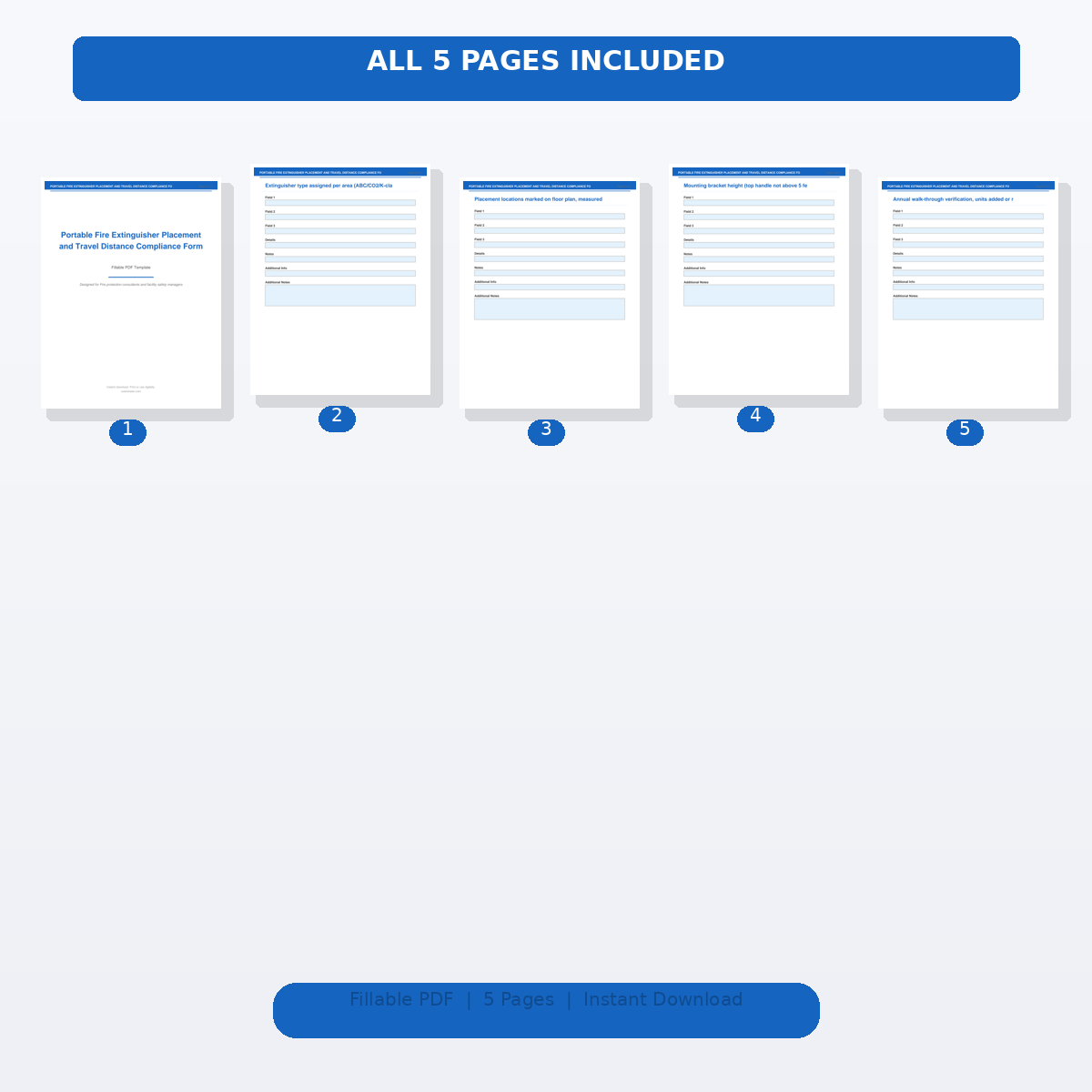
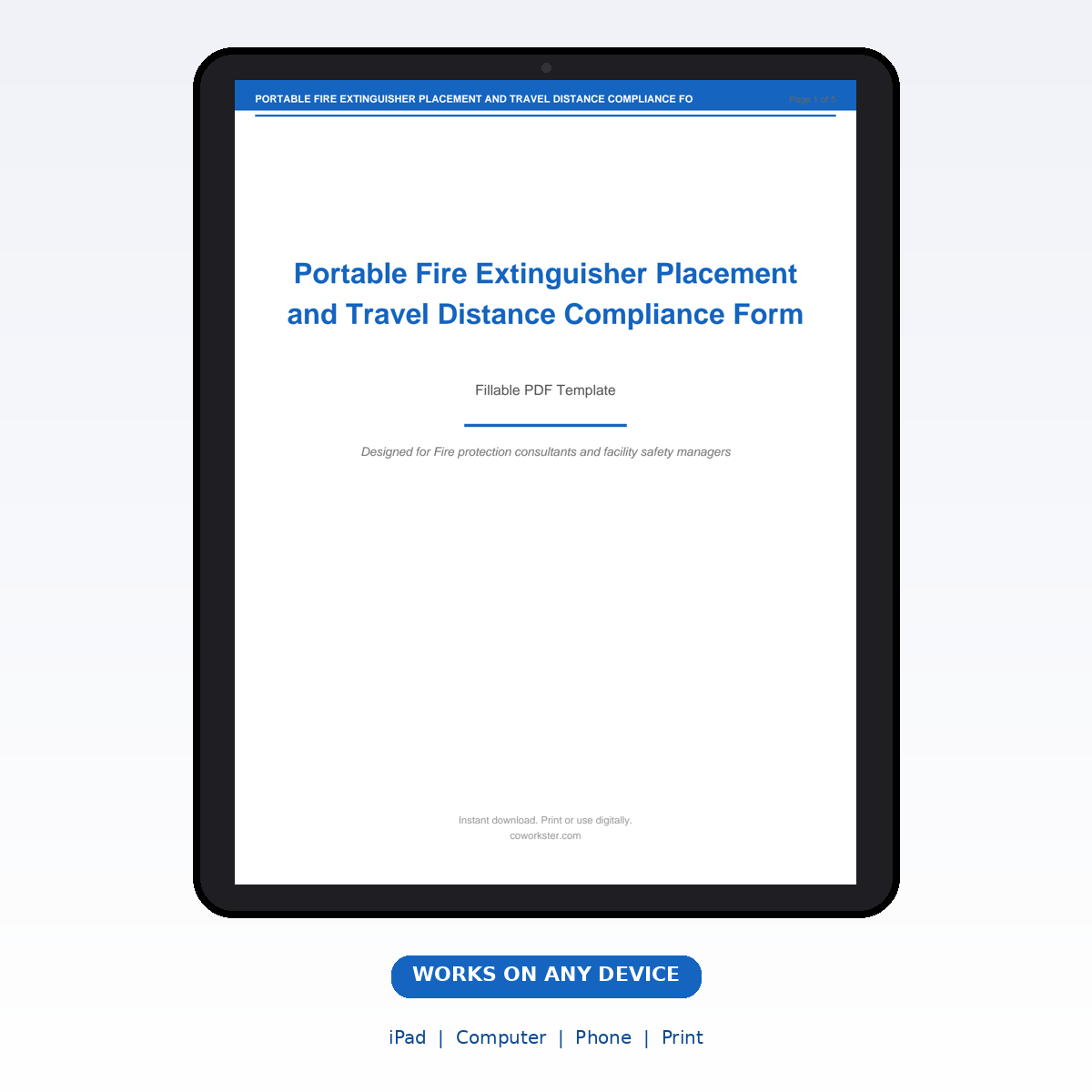
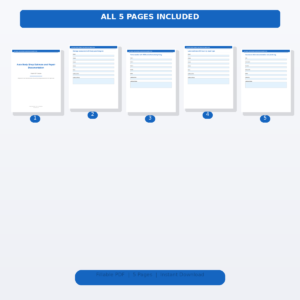
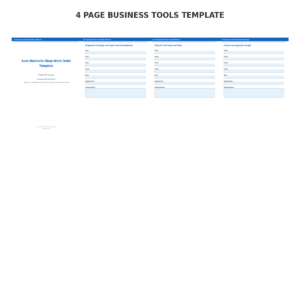
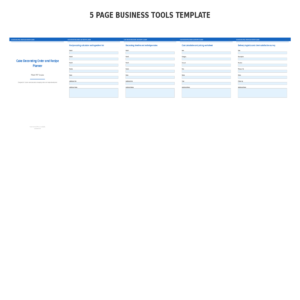
If you have been looking for a portable fire extinguisher placement and travel distance compliance form that actually works the way you need it to, this is it. We designed this 5-page fillable PDF covering Floor Plan and Hazard Classification by Area, Extinguisher Type and Rating Selection per Hazard, Placement Location and Travel Distance Measurement, Mounting Height and Visibility Verification, and Annual Compliance Review and Inventory Update specifically for Fire protection consultants and facility safety managers who want something practical, organized, and ready to use right away.
Instead of cobbling together spreadsheets, random notes, and half finished templates, you get one clean document that covers everything. Open it on your computer, tablet, or phone. Type directly into the fillable fields. Or print it out and fill it in by hand. Either way, you are organized in minutes instead of hours.
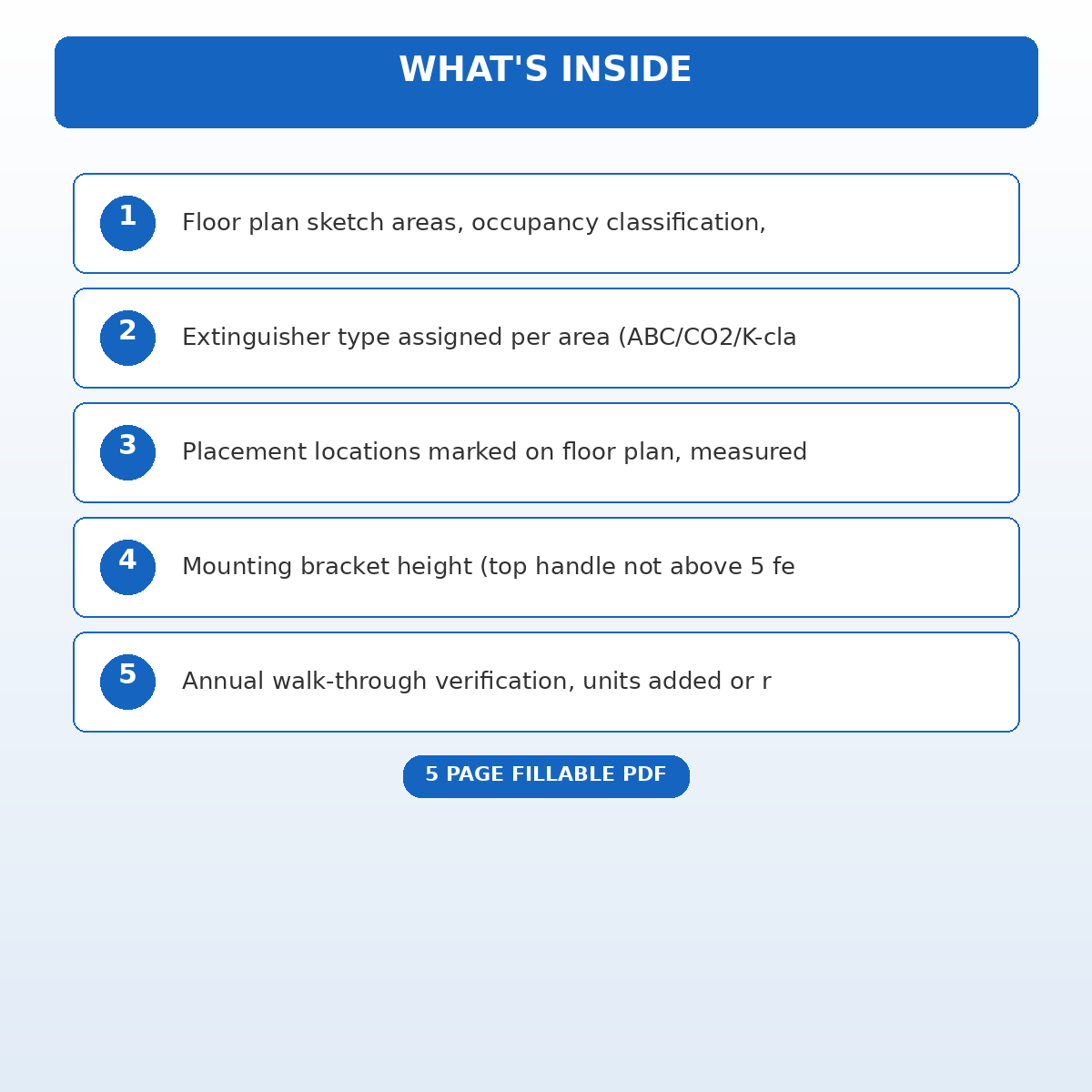
What Is Inside this 5-page Template
Floor plan sketch areas, occupancy classification, ordinary (Class A), extra (Class B), and special hazards identified
Fill in the details that matter most to you. Every field is designed to capture exactly the information you need, with plenty of space for notes and additional details.
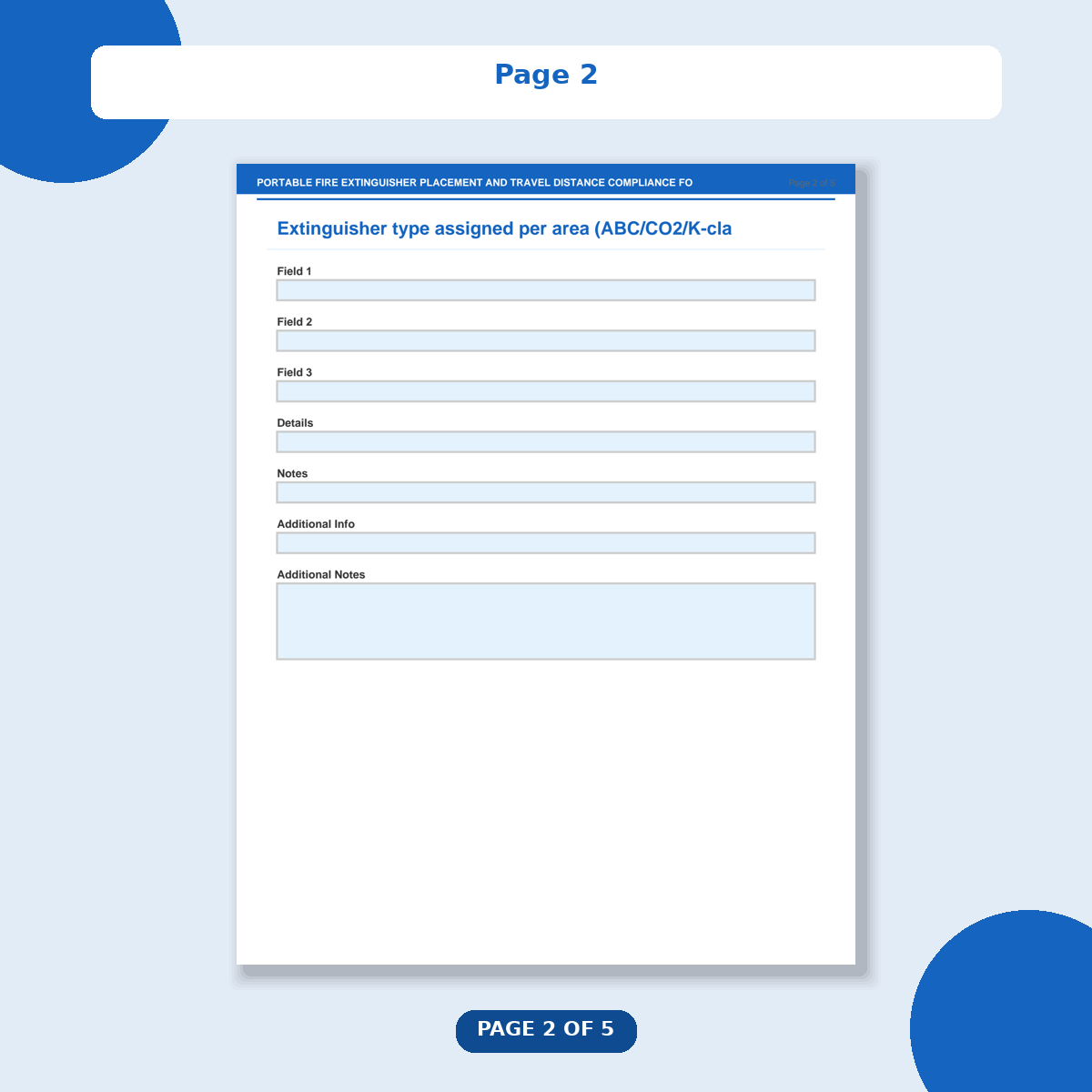
Extinguisher type assigned per area (ABC/CO2/K-class/water), minimum rating required, and actual rating provided
Fill in the details that matter most to you. Every field is designed to capture exactly the information you need, with plenty of space for notes and additional details.
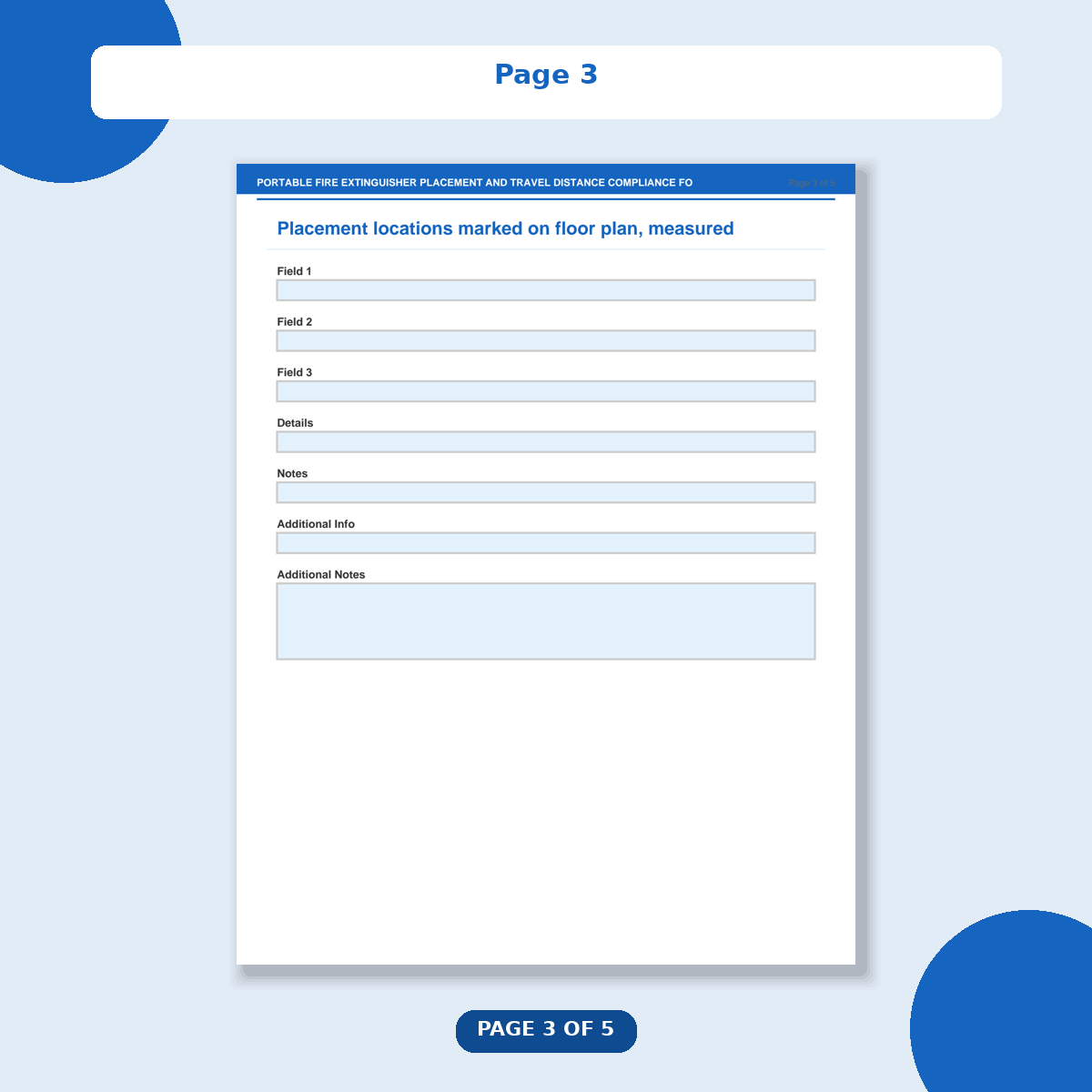
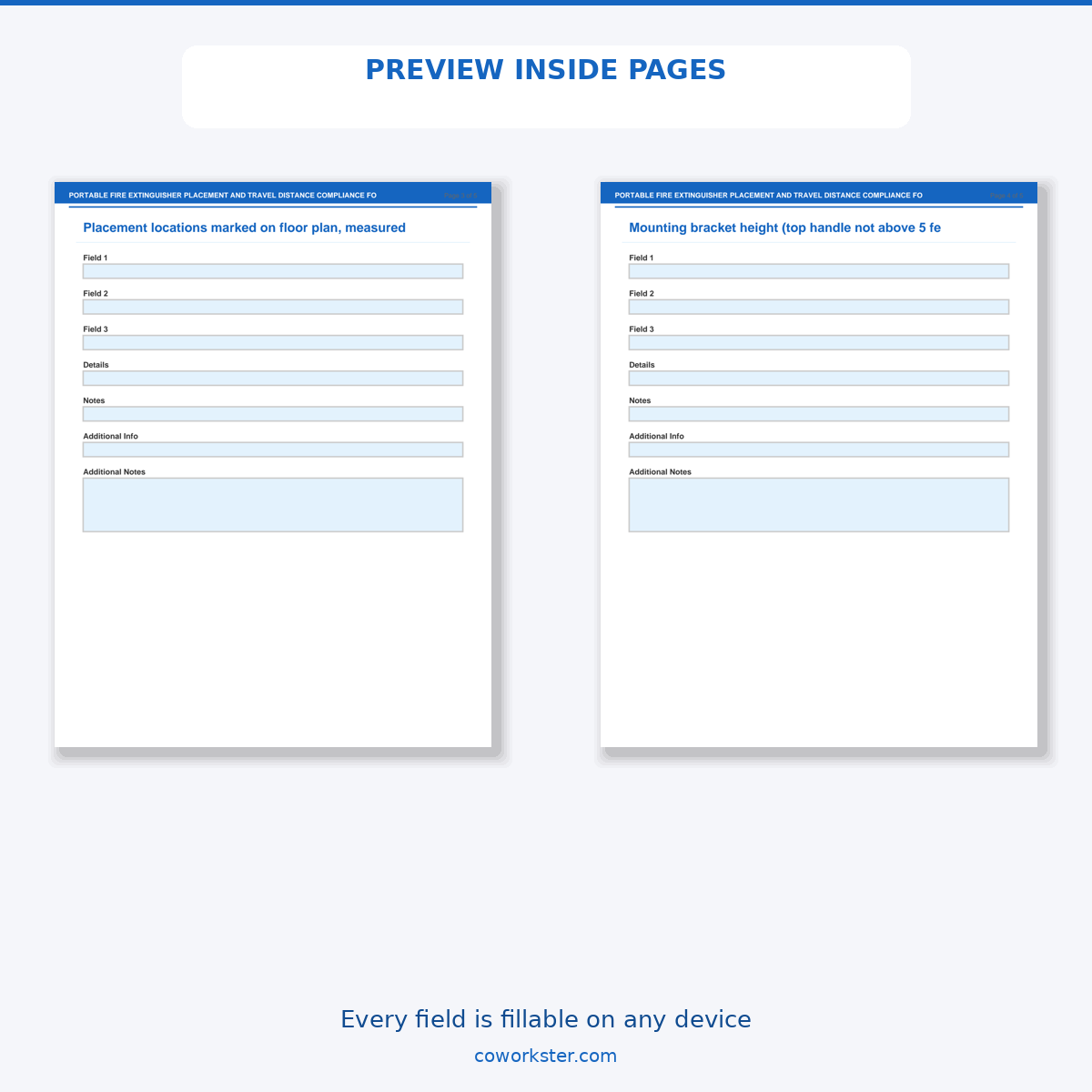
Placement locations marked on floor plan, measured travel distance to nearest extinguisher, and NFPA 10 maximum compliance
Fill in the details that matter most to you. Every field is designed to capture exactly the information you need, with plenty of space for notes and additional details.
Mounting bracket height (top handle not above 5 feet for units over 40 lbs), obstruction clearance, and signage
Fill in the details that matter most to you. Every field is designed to capture exactly the information you need, with plenty of space for notes and additional details.
Annual walk-through verification, units added or relocated, retired units documented, and updated floor plan
Fill in the details that matter most to you. Every field is designed to capture exactly the information you need, with plenty of space for notes and additional details.
Who This Is For
This template was built for Fire protection consultants and facility safety managers. Whether you are just getting started or have been at it for years, having a proper system saves you time and keeps everything in one place. No more scattered notes, forgotten details, or reinventing the wheel every time.
Why People Love This Template
The fillable PDF fields let you type directly into the document on any device. No special software required. The clean, minimal design looks professional without being cluttered. And because everything fits in one document, you always know where to find what you need.
You can reuse this template as many times as you want. Print extra copies, save different versions for different projects, or keep one master copy that you update over time. One purchase, unlimited personal use.
Frequently Asked Questions
What devices does this work on?
Any device with a PDF reader. That includes computers (Mac and Windows), iPads, Android tablets, and phones. Works with Adobe Acrobat, Apple Preview, Google Drive, and most built in PDF viewers.
Can I print this out?
Yes. The layout is designed to look great both on screen and on paper. Print as many copies as you need.
Is this a subscription?
No. One time purchase, instant download, use it forever.
Digital download. You will receive instant access after purchase.
Reviews
There are no reviews yet.